
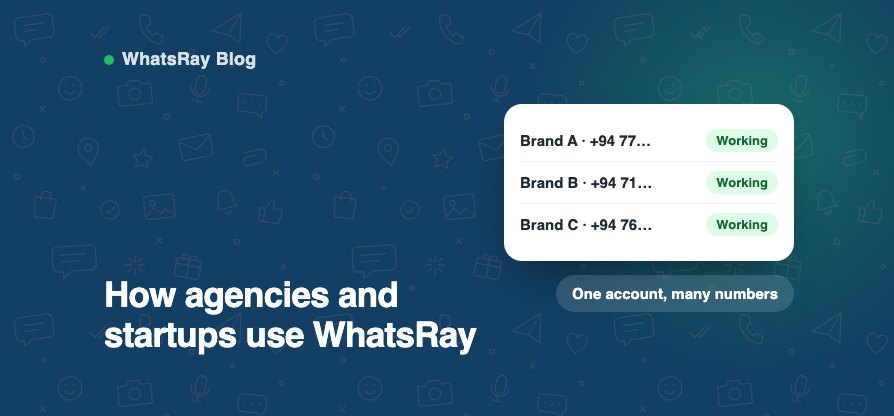
Agencies run WhatsApp for several brands; startups need to look bigger than they are. Both need control without a lot of setup.
Several numbers, one account
Connect more than one WhatsApp number, for example one per brand or per department, and manage them from the same dashboard. Each team member sees only the numbers you allow, along with their chats, contacts and campaigns.
The right permissions for each person
Give staff their own sign-in. Start with “Inbox only” for people who just reply to customers, give trusted staff everything except managing the team, or choose permissions one by one. When someone leaves, remove them and their chats return to Unassigned.
Launch fast
Flows are built on a visual canvas without code: a welcome menu, a price list, lead questions and a hand-off to sales. Templates are reviewed by Meta, usually within a day, so campaigns can go out quickly.
Show clients what happened
Campaign reports show sent, delivered, read and failed, and can be downloaded as Excel. Labels and notes keep a record of each lead.
Keep costs predictable
WhatsRay plans are priced in rupees. Meta’s message charges are separate and billed by Meta. The cost estimator in your dashboard shows what a month of messages will cost before you send.
Share this post
More posts
Why WhatsApp keeps restricting business numbers, and how to avoid it
“My number got banned” is one of the most common messages we receive. Restrictions are rarely random. WhatsApp protects its users from spam, and a few habits trigger…
- 13 Oct, 2026
Marketing opt-in on WhatsApp: how to ask, and how to handle STOP
Meta’s rules are clear: businesses must get a person’s permission before messaging them on WhatsApp. Messaging people who didn’t agree is the most common reason numbers…
- 06 Oct, 2026
How to get WhatsApp templates approved the first time
Every message your business sends first on the WhatsApp Business API must be an approved template. Meta reviews each one, usually within 24 hours. Most rejections come…
- 30 Sep, 2026
Click-to-WhatsApp ads: how the free 72-hour window works
Click-to-WhatsApp ads on Facebook and Instagram open a chat with your business instead of a website. They come with a useful extra: a free 72-hour window for messages…
- 24 Sep, 2026
From first message to sale: a WhatsApp sales process for small businesses
Many Sri Lankan businesses already sell on WhatsApp. What usually goes wrong isn’t the product, it’s the process: slow replies, lost chats and no follow-up. Here is a…
- 27 Aug, 2026
Get more WhatsApp chats with short links, QR codes and a website button
Every extra step between “I’m interested” and “I’ve messaged you” loses customers. Saving a number, opening WhatsApp and typing a first message is three steps too many.…
- 11 Aug, 2026
Why your business needs a proper WhatsApp campaign tool
Sending offers from the WhatsApp Business app means broadcast lists, a phone in your hand and no idea who actually received the message. Sending the same message from…
- 21 Jul, 2026

5 ways to automate your WhatsApp marketing with WhatsRay
Automation on WhatsApp should save your team time without making customers feel they are talking to a machine. These five are worth setting up first. 1. Schedule…
- 30 Jun, 2026
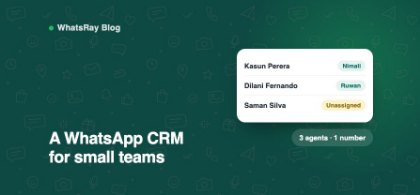
How a WhatsApp CRM helps a small team reply faster
Most small businesses start with the WhatsApp Business app on one phone. It works well until it doesn’t: chats pile up while the owner is busy, staff pass the phone…
- 09 Jun, 2026